How To Download Our Sets
For Sims 3 & Sims 2
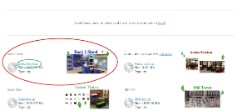
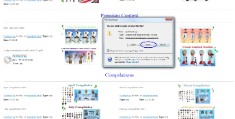
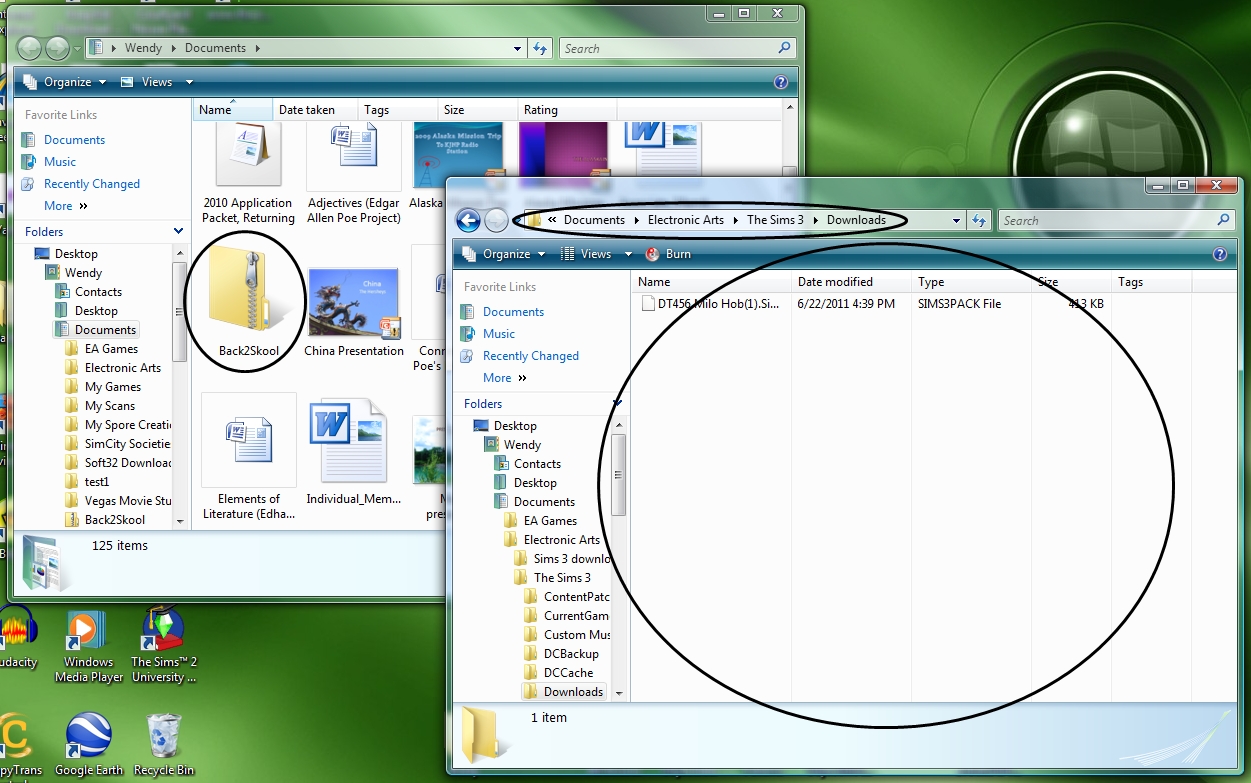
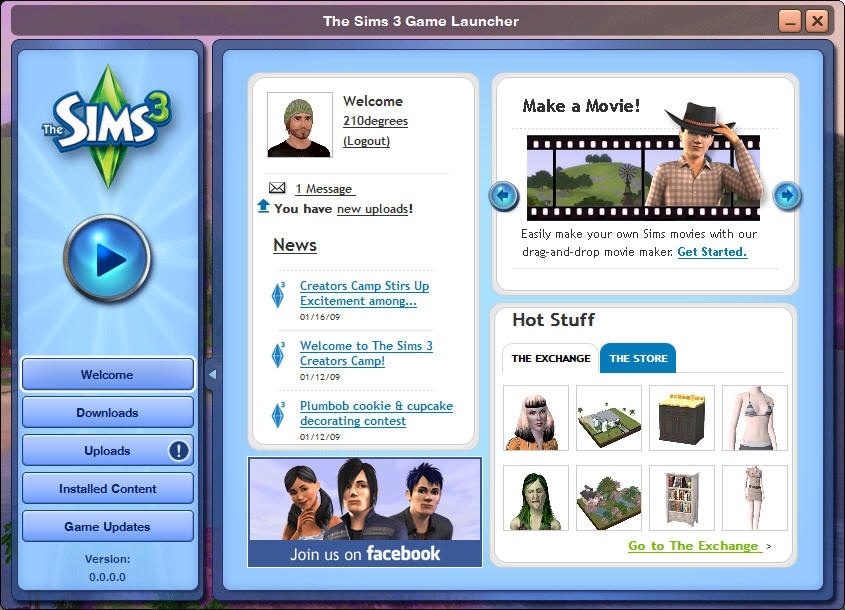
Zip 1) Find a set you like. 3) Click on the title of the file/link, beside the piture. It's blue and underlined. 4) This will open a new window. Select download/save. 5) Select your destination. 6) After the download has completed, open the .zip folder, and move the .sims3pack file(s) out and into your downloads folder for your game. C:\Users\{username}\Documents\{EAGames or Electronic Arts}\The Sims {3 or 2}\Downloads 7) Open launcher or double click the file to install. 8) Make sure any custom content opions are turned on in your game and you have and expansion/stuff packs, etc needed.
|     |
Package Files 1) Find a set you like. 2) Make sure that your game version must be updated at least to 1.12/2.7/3.2 (Sims 3) 3) Click on the title of the file/link, beside the piture. It's blue and underlined. 4) This will open a new window. Select download/save. 5) Select your destination. 6) Wile the file is downloading, create a Mods folder for your files in your Sims 3 folder. (Sims 2 doesn't need a Mods folder) C:\Users\{username}\Documents\{EA Games or Electronic Arts}\The Sims {3 or 2} 7) After the download has completed, open the .zip folder, and move the file(s) out and into your Mods folder. (if using Sims 3) ( Sims 2 files go in your downloads folder) C:\Users\{username}\Documents\Electronic Arts\The Sims 3\Mods C:\Users\{username}\Documents\EA Games\The Sims 2\Downloads8) Make sure you have an extra Resource.cfg file in your mods folder. Also, you should keep all your .package files stored into subfolders within your mods folder. (sims 3) (You shouldn't need to worry about subfolders becuase the files should allready be in subfolders if you dragged them right from the .zip folder) (Sims 2) 9) Open launcher or double click to install. 10) Make sure any custom content opions are turned on in your game and you have and expansion/stuff packs, etc needed. | 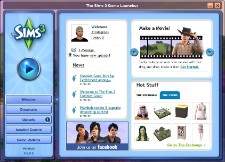 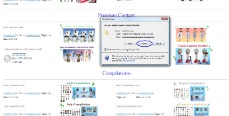 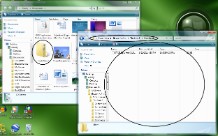  |
Download Didn't Work?
